Build an AI Agent That Alerts You on Your Positions
Install one MCP server and your AI assistant can watch your DeFi positions — liquidation risk, out-of-range liquidity — and tell you. No code required.
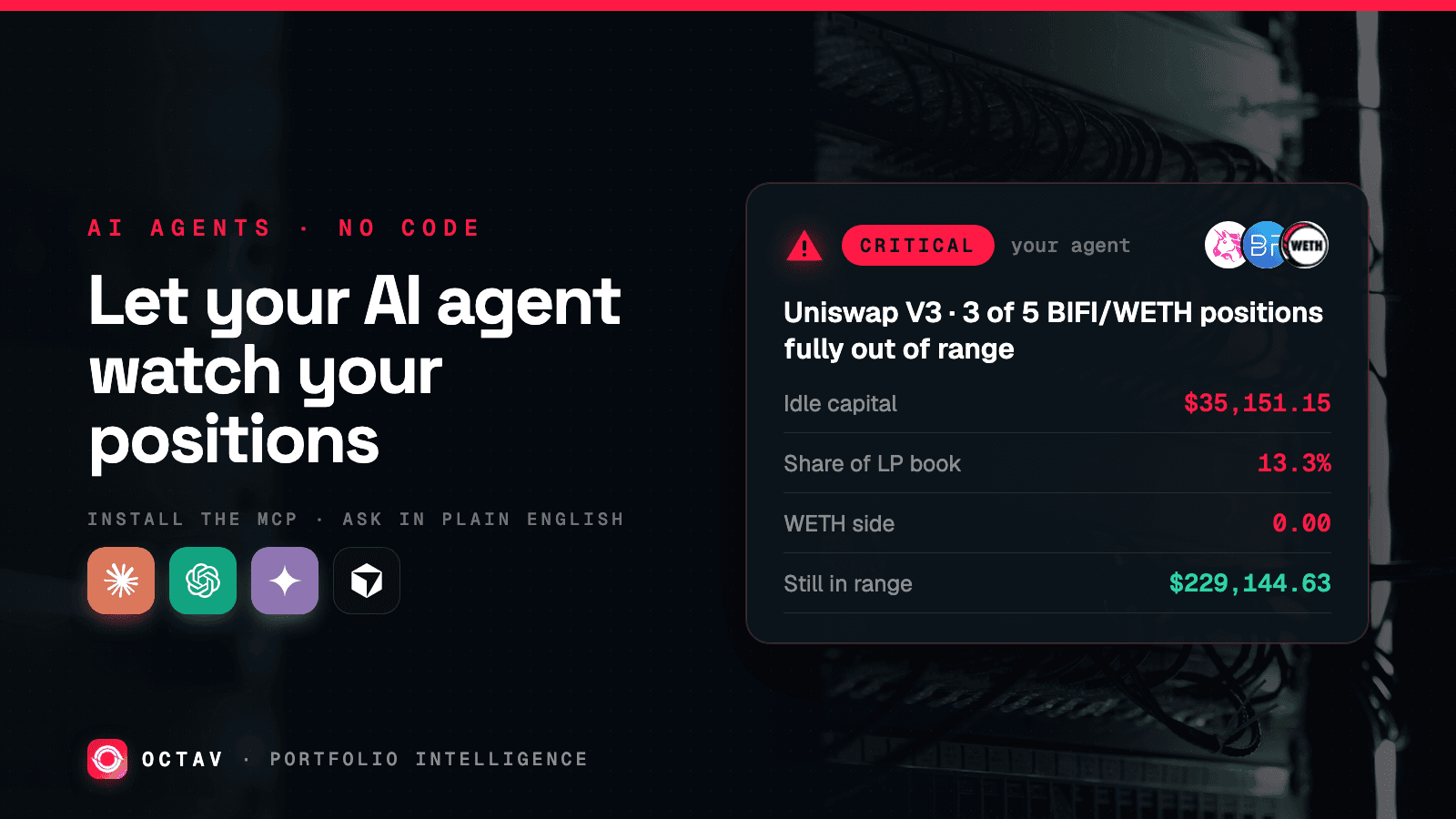
You cannot watch your positions around the clock. Your AI assistant can.
Two things go wrong while nobody is looking, and neither shows up in your net worth:
- A loan drifts toward liquidation. Your collateral falls, your health factor slides, and eventually a bot takes the collateral plus a penalty.
- Capital quietly stops earning. A liquidity position moves outside its range, turns into one side of the pair, and sits there collecting nothing. Its value barely changes — so your portfolio total never flinches.
The fix is one install and a few sentences of English. You do not write a parser, you do not learn a response format, you do not write any code at all. Claude, Codex, Gemini or Cursor reads your positions directly and does the work.
Protocols your agent can read
 Aave
Aave Uniswap
 Beefy
Beefy WETH
WETH USDC
USDC Ethereum
The only setup step
Octav ships an MCP server. MCP is the standard that lets an AI assistant call a real data source as a tool — install it once and your agent can read any wallet.
Grab a key from data.octav.fi first. In Claude Code and Codex, install is one command:
claude mcp add octav -- npx -y octav-api-mcp    # Claude Code
codex mcp add octav -- npx -y octav-api-mcp     # Codex
Claude Desktop, Cursor and Gemini CLI take a JSON block instead:
{
  "mcpServers": {
    "octav": {
      "command": "npx",
      "args": ["-y", "octav-api-mcp"],
      "env": { "OCTAV_API_KEY": "your-api-key-here" }
    }
  }
}
VS Code wants the same fields, but in .vscode/mcp.json and under servers
rather than mcpServers — worth knowing, because pasting the block above into
VS Code silently does nothing.
One server, one key — in any of these


Per-client install notes are in the MCP documentation. That is the last configuration in this article — everything below is just talking.
Ask it what you are holding
Start here, because it proves the connection works and shows you what your agent can actually see:
What DeFi positions does 0xb5e6ae546f5e8c75f19ed89a1ca032a5cb8669e8 hold?
Break it down by protocol and chain.
Your agent calls the portfolio tool and gets back positions that are already decoded — a lending position that knows it is a loan, a liquidity position that knows what is in it. There is nothing to parse. If your own wallet comes back missing something you know you hold, stop here and find out why; every alert you build after this depends on the data being complete.
Ask it about liquidation risk
Lending positions carry a health factor. Below 1.0 they can be liquidated — that part is protocol mechanics, covered in Tracking Aave Positions. Everything above it is margin you are choosing.
Just ask:
Check every lending position in my wallets. For each one, tell me the
health factor and how far it is from liquidation. Flag anything below 1.35.
Against the wallet above, that position is a long way from trouble, so nothing fires:


Aave V3 on Ethereum — health factor is comfortable
- Health factor
- 4.54
- Supplied
- 6,586.63 WETH
- Borrowed
- 2,294,767 USDC
- Net position
- $10,344,482
Nothing to do.
Ask it to find capital that stopped earning
This is the one nobody checks, and it is pure upside — it finds money that is already yours and is doing nothing.
When a concentrated liquidity position moves out of its range it converts entirely to one asset and stops collecting fees. The mechanics are in Valuing Uniswap V3 Positions. You do not need to know any of it to ask:
Look at 0xc9c61194682a3a5f56bf9cd5b59ee63028ab6041. Which liquidity
positions have gone out of range, how much capital is stuck in them,
and what percentage of my LP book is that?
On that wallet the answer is immediate — five BIFI/WETH positions, three of them fully one-sided:


Uniswap V3 — 3 of 5 BIFI/WETH positions are earning nothing
- Idle capital
- $35,151.15
- Share of LP book
- 13.3%
- WETH side
- 0.00
- Still in range
- $229,144.63
Three positions are 100% BIFI and collecting no fees. Rebalance the range or withdraw.
Thirteen percent of that wallet's liquidity had quietly stopped working. The capital never went anywhere, which is exactly why no dashboard total would have shown it.
Turn the question into a standing alert
So far you have asked once. Now make it repeat — again, by asking:
Set this up to run every hour. Check my wallets, and only message me
when something changes: a health factor drops below 1.35, or a liquidity
position goes out of range. Stay quiet if nothing changed.
Your agent writes and schedules that itself. Ask an agent with shell access and it will set up the scheduled job; ask an assistant with built-in scheduled tasks and it will use those. Either way the part you own is the instruction, not the implementation.
Two details worth saying out loud when you ask, because they are the difference between an alert you act on and one you mute:
| Say this | So that |
|---|---|
| "Only message me when something changes" | You are not pinged 24 times a day about a position that is fine |
| "Tell me when it recovers too" | You know when to stop worrying |
| "Check hourly, not every minute" | Portfolio data is cached for a minute; faster costs more and tells you nothing new |
| "Group related alerts into one message" | Three positions breaking at once is one market move, not three emergencies |
Ask follow-up questions when something fires
This is where an agent beats a threshold alert, and it is the reason to do it this way rather than wiring up a dashboard notification.
An alert tells you a number crossed a line. Your agent can read the entire decoded portfolio and the transaction history, so it can answer the questions that actually decide what you do:
My health factor dropped. Did my collateral fall in price, or did
something draw more debt? Show me the transactions.
Can I fix this with what I already hold? Check my idle stablecoins
and anything sitting in out-of-range positions.Three positions alerted at once. Is this one market move or
three separate problems?None of those are things a threshold can answer. All of them are things you want answered before you sign anything.
One boundary worth knowing: Octav is read-only and never asks for a private key. Your agent can tell you exactly what to do and put a number on it. You are still the one who signs.
Start here
- Run the install command. One line.
- Ask it what your wallet holds. If something you own is missing, that is the real problem and it is better to find it now.
- Ask it to check your loans, then ask it to check for out-of-range liquidity.
- Ask it to run that hourly and only message you on a change.
That is the whole build. If you would rather not run an agent at all, Octav Pro has Automation and Alerts built in — see the dashboard tour. If you want to write the monitor yourself instead of having an agent do it, the underlying data and endpoints are in the API reference, and the other ways to give an agent this data — CLI, agent skill, pay-per-call — are compared in AI Agent Tools for Crypto Portfolio Data.
Keep reading
 AI Agents
A Crypto Portfolio MCP Server for AI Agents
How to give Claude, Codex or Gemini live on-chain portfolio data through an MCP server, and why token-only APIs make agents confidently wrong about wallets.
2 min read
 AI Agents
AI Agent Tools for Crypto Portfolio Data
A survey of how AI agents get on-chain data — MCP servers, agent skills, CLIs and pay-per-call rails — and the failure modes specific to autonomous consumption.
2 min read
 AI Agents
x402: Pay-Per-Call API Access for Agents
How the HTTP 402 status code lets an autonomous agent pay for an API request inline, removing the need to provision and manage a long-lived API key.
2 min read